
The 2016 Principals’ Test is open to all aspirants for a Principal I position as required under DepEd Order (DO) No. 39, s. 2007 entitled Modified Qualification Standards for the Positions of Head Teachers and Principals and DO 97, s. 2011 entitled Revised Guidelines on the Allocation and Reclassification of School Heads Positions. Passing the Principals’ Test is one of the requirements for appointment to a Principal position.
The applicant should meet any of the following eligibility requirements by November 6, 2016:
a. One year as Head Teacher; or
b. Two years as Teacher-in-Charge or Master Teacher; or
c. Five years as Teacher III or SPED Teacher; or
d. Five years as incumbent public school teacher who has five years of managerial and supervisory experience in a DepEd recognized private institution or Commission on Higher Education (CHED) recognized higher education institution.
Read More: 2016 PRINCIPALS’ TEST
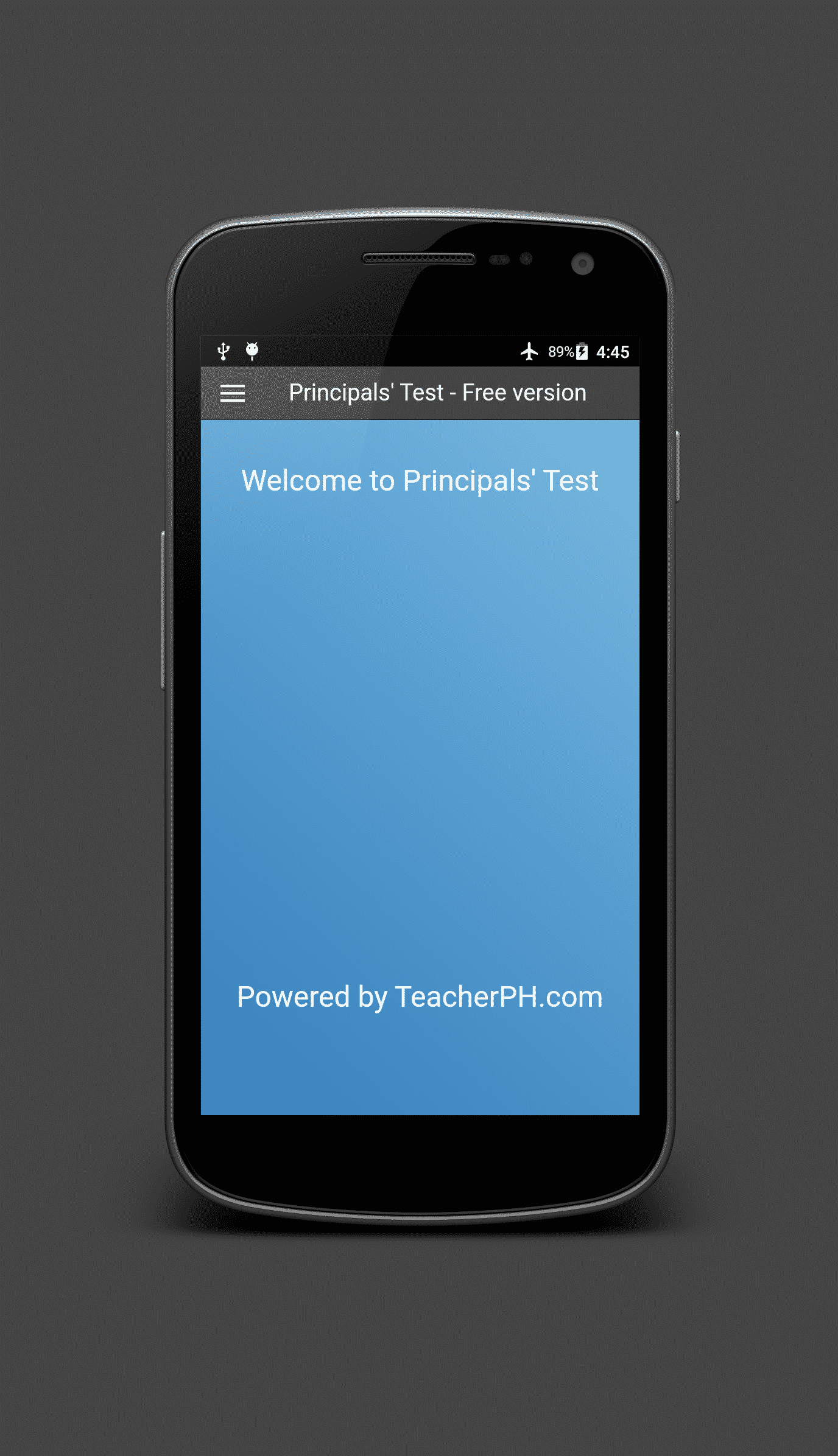
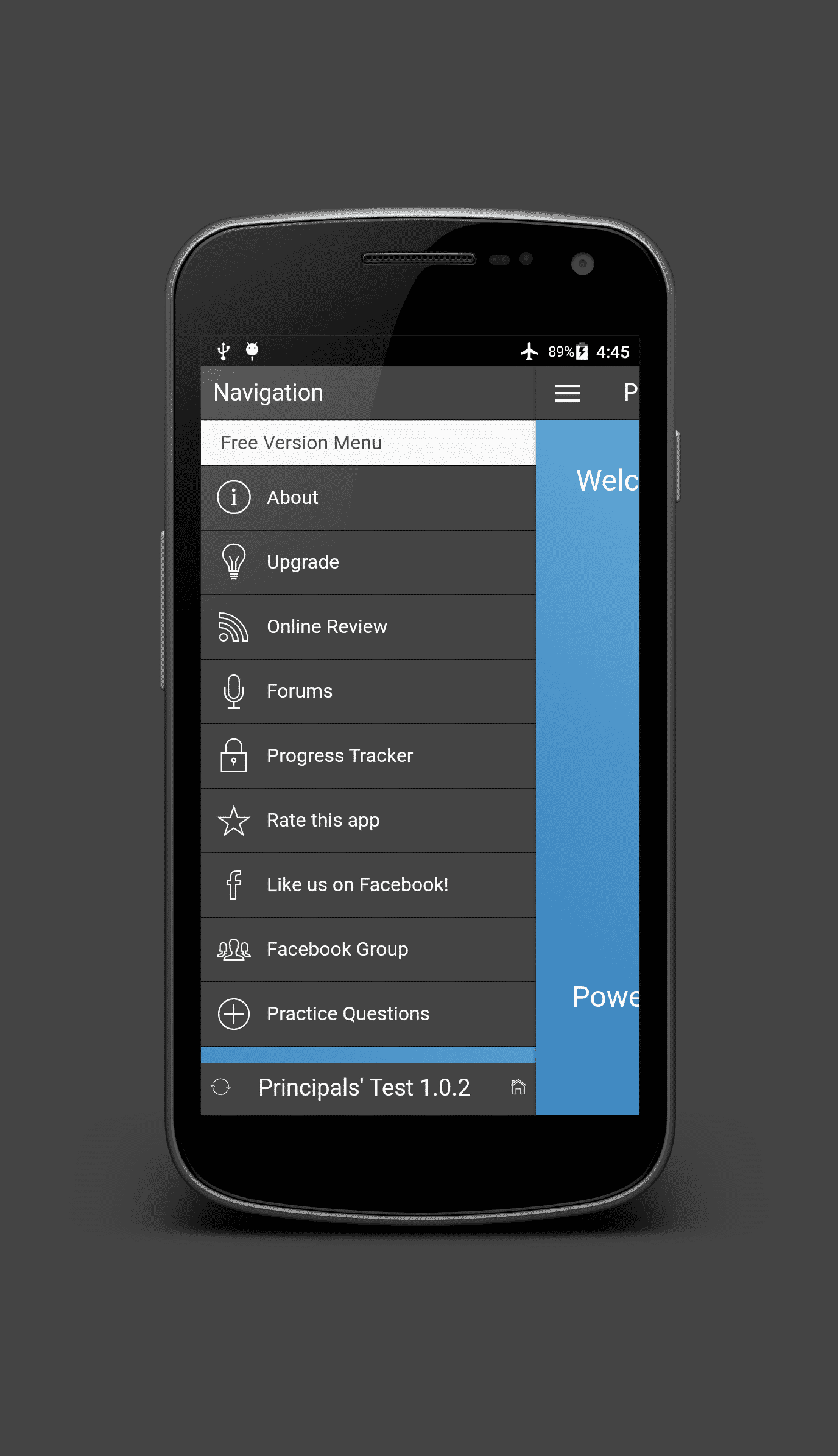
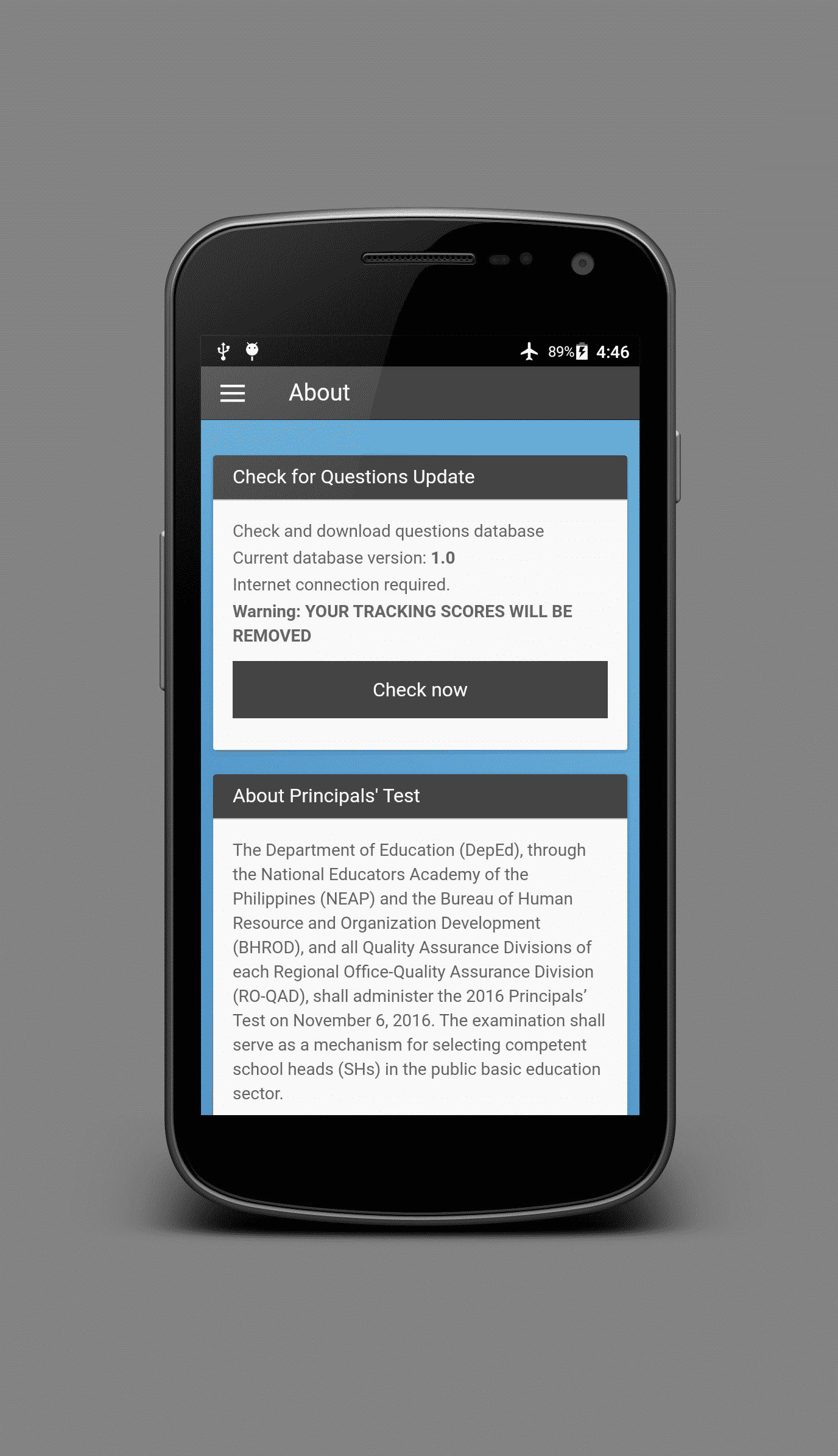
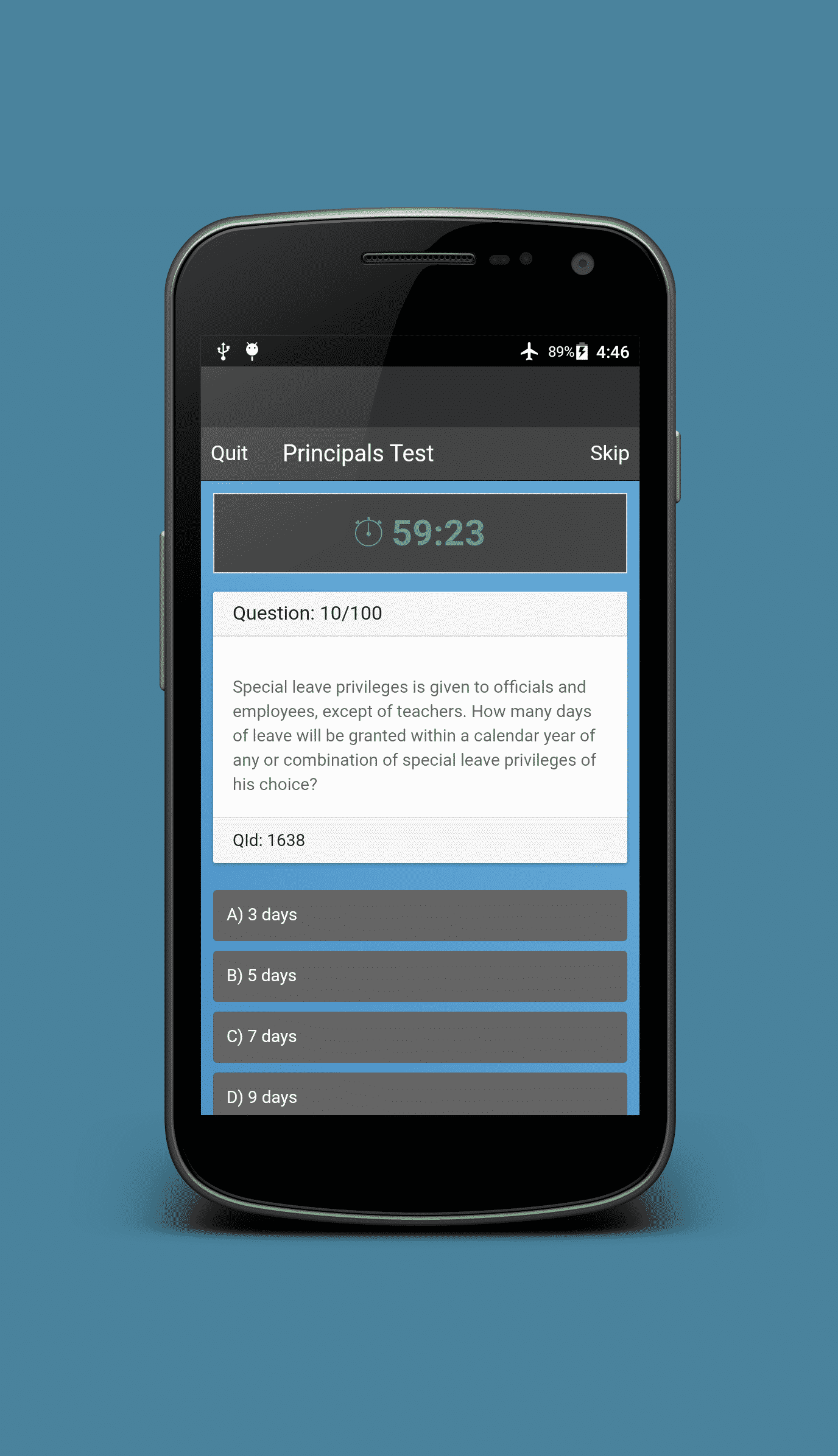
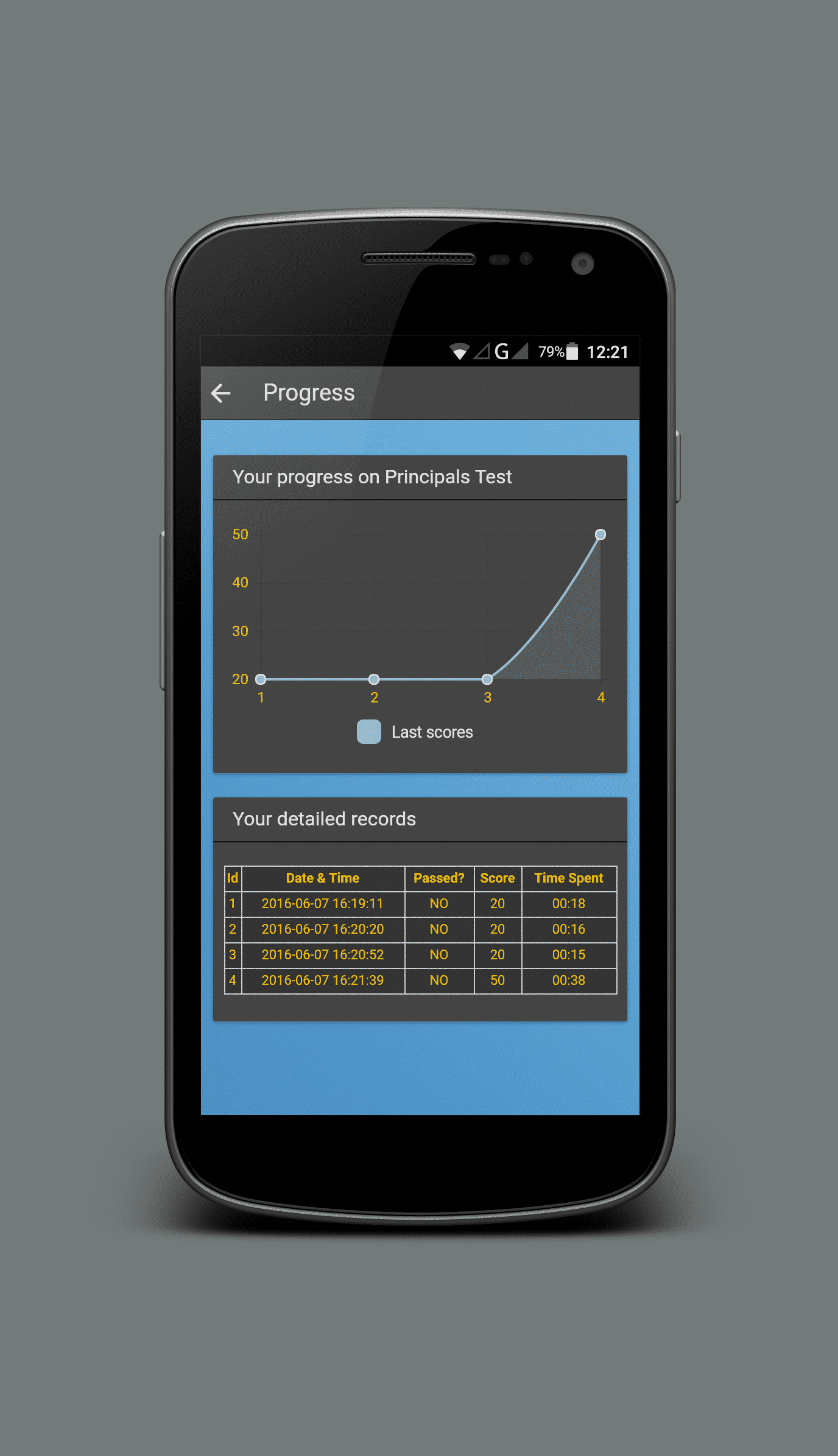
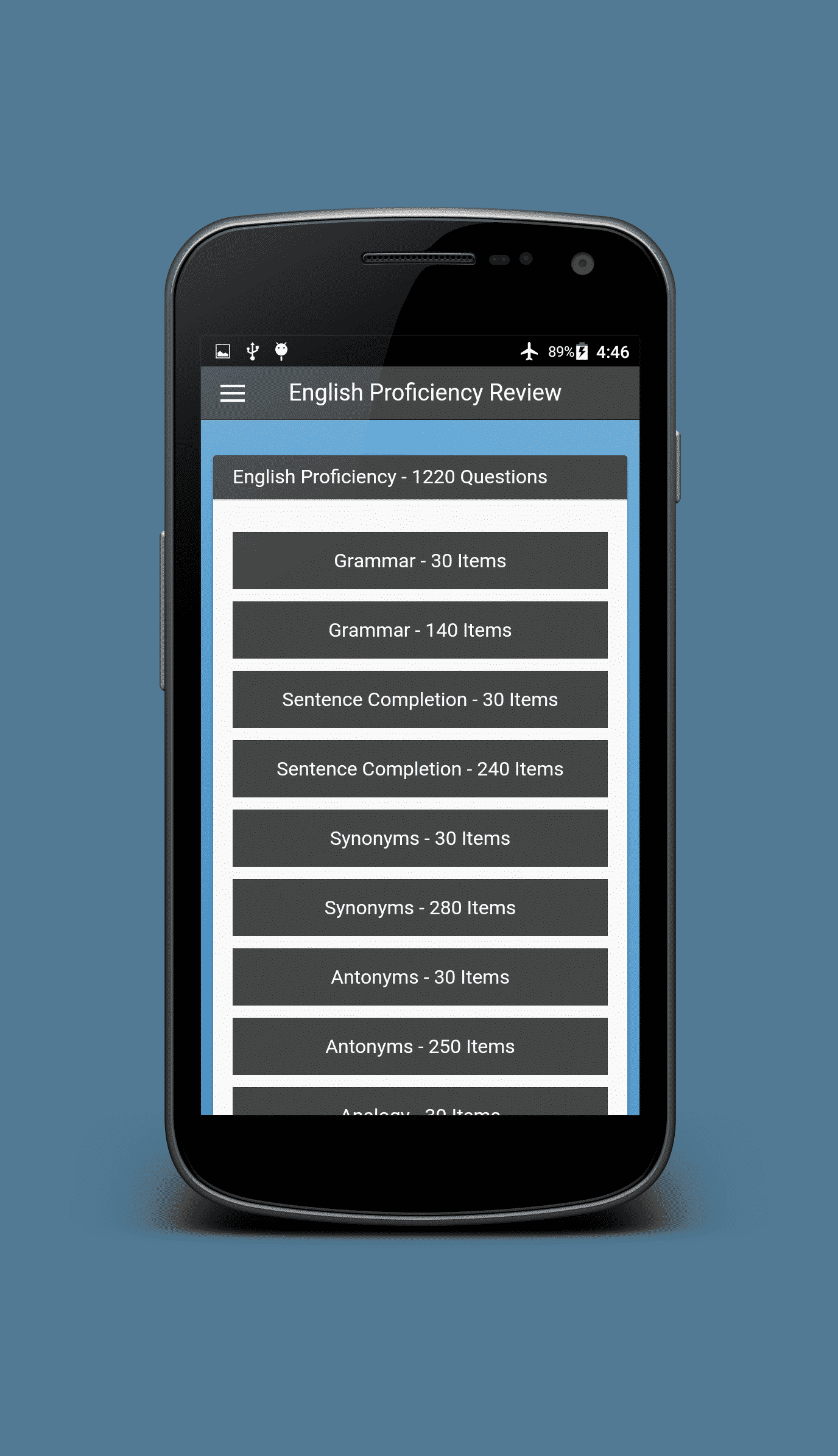
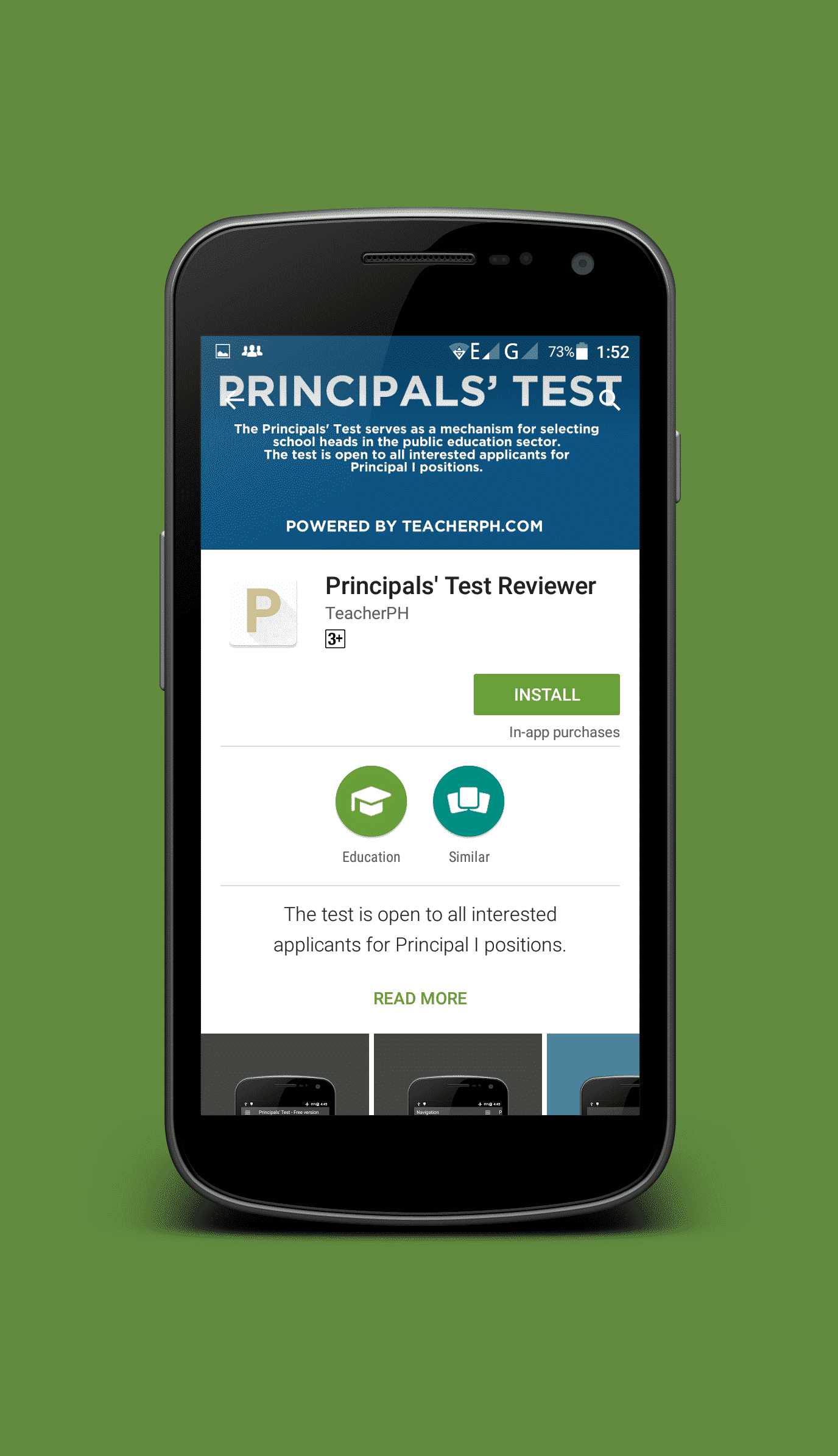
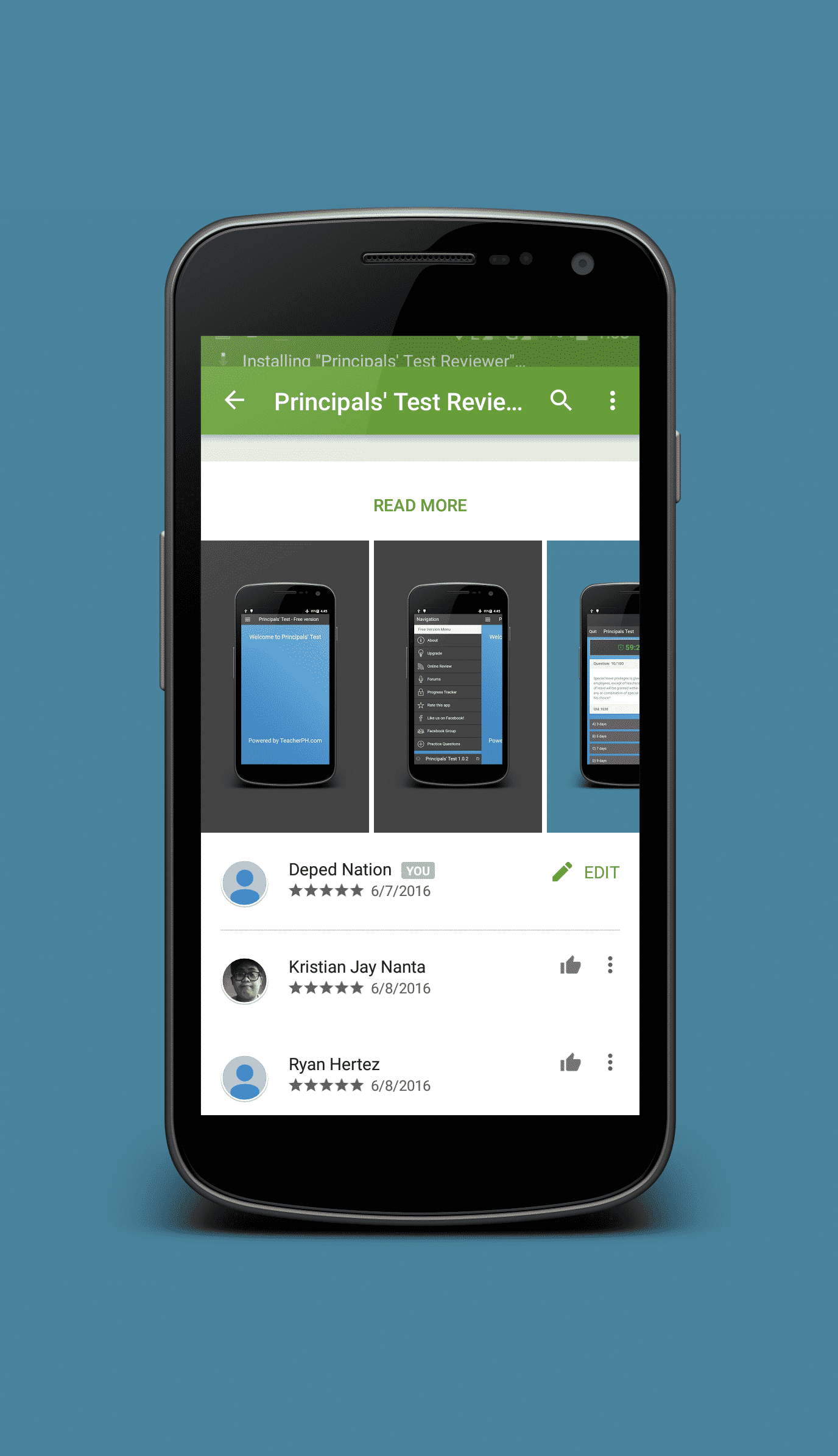
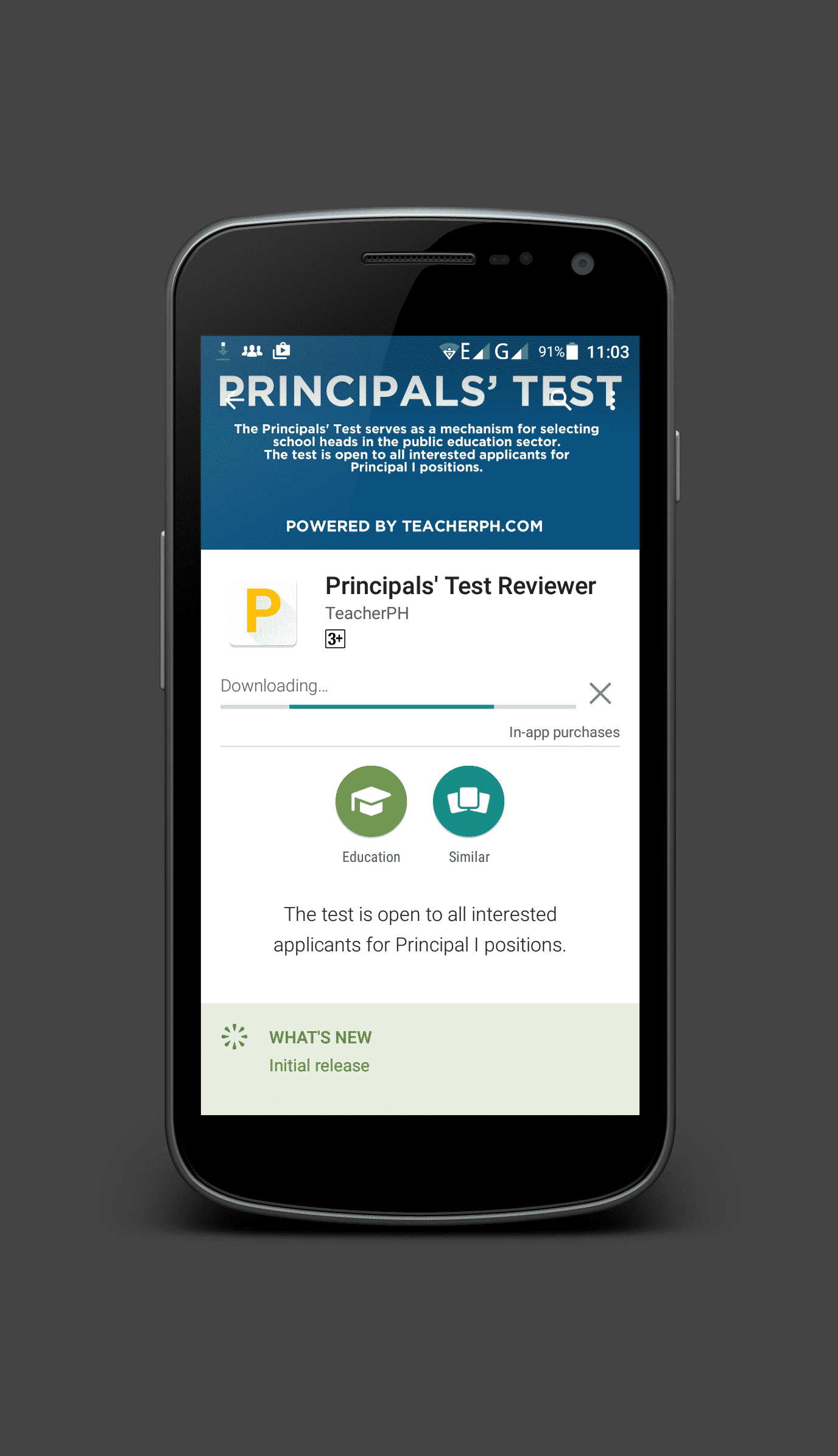
Principals’ Test Reviewer for Android
Download Link
Requires Android
- 4.4 and up
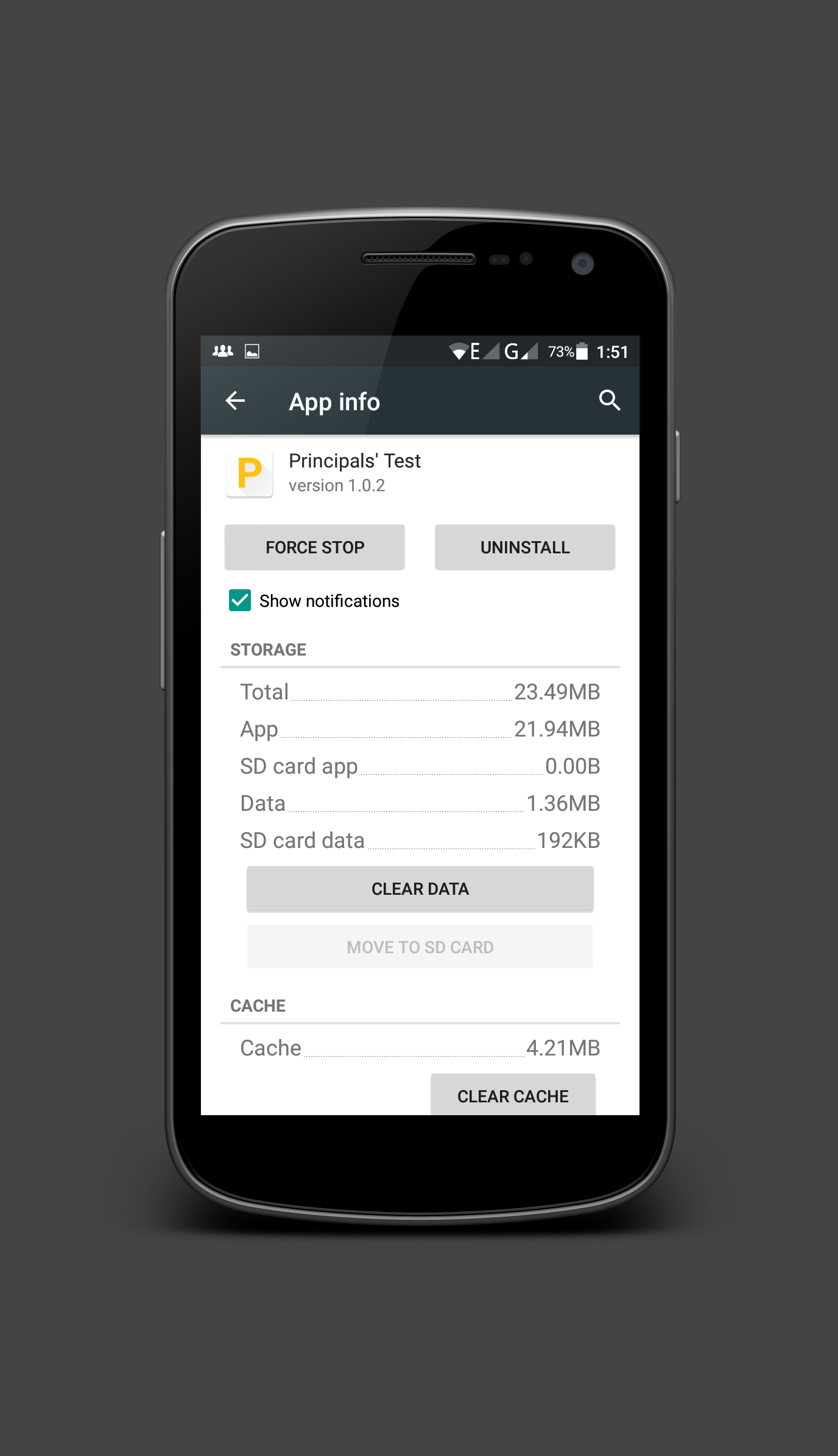
Size
- 10MB
Current Version
- 1.0.2
Questions Database Version
- 1.0
Developer
- TeacherPH / Mark Llego
In-app Products (Price) – Full Version
- ₱100.00
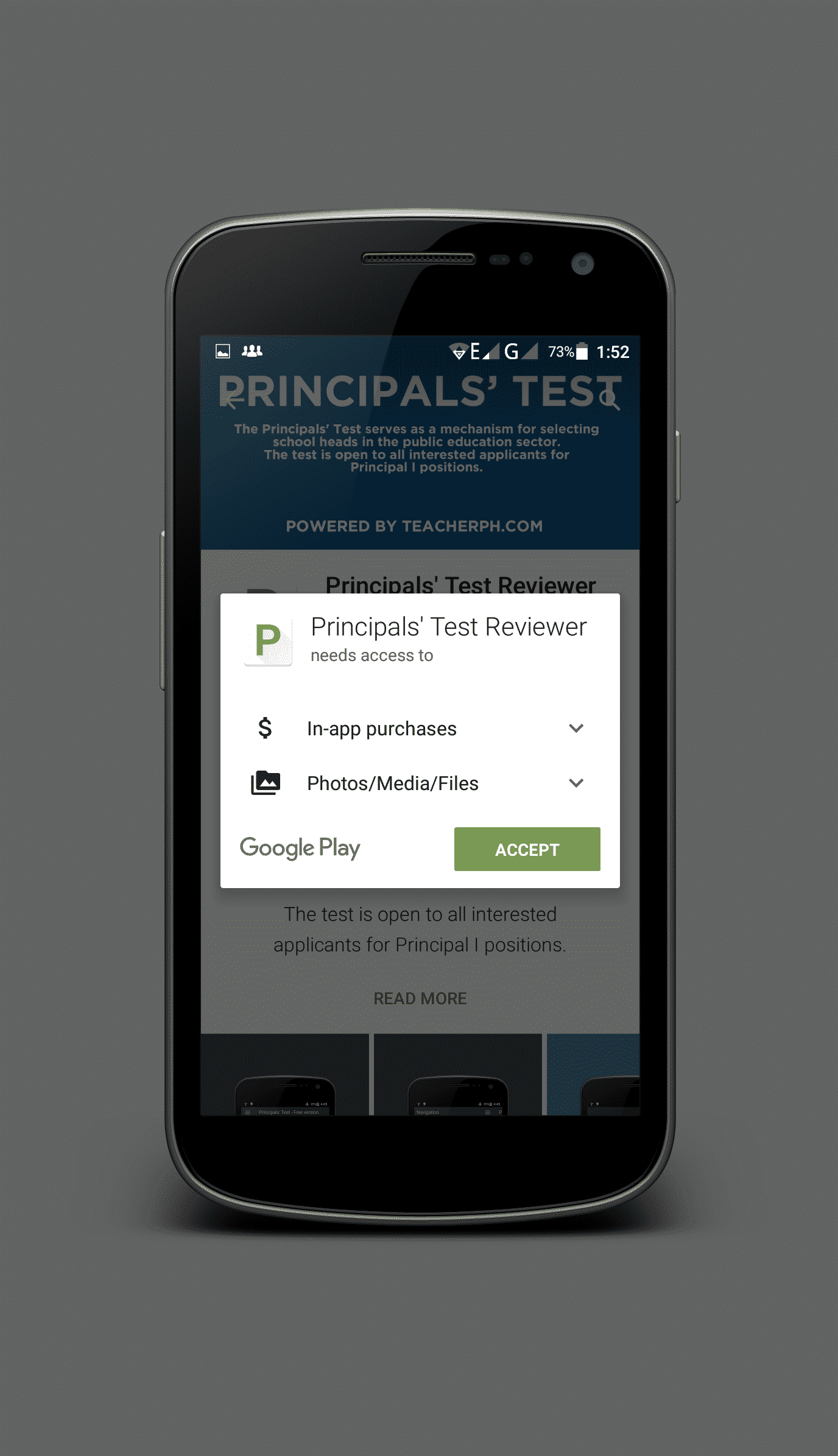
This app has access to:
- In-app purchases
Allows the user to make purchases from within this app - Photos/Media/Files
Uses one or more of: files on the device such as images, videos, or audio, the device’s external storage
Principals’ Test Rating Certificate
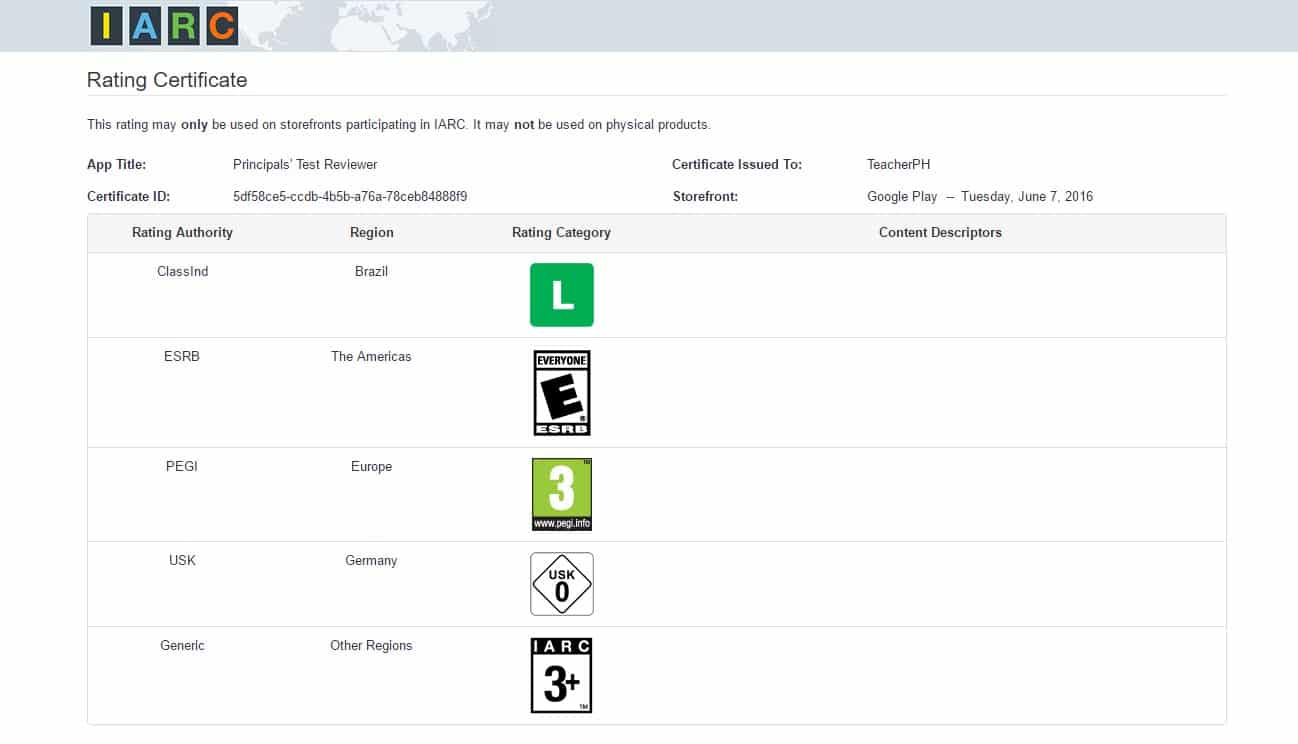
A permanent record of this certificate may be accessed here.
Download Principals’ Test Reviewer for Android

Principals’ Test Reviewer for Android Frequently Asked Questions
REGISTRATION THROUGH GOOGLE PLAY STORE
- Go to the Play Store.
- Click “My Account”.
- Click “Enable Smart or Globe Communications billing” under Payment methods.
- Google will verify your account while Smart / Globe validates your mobile number.
- Enter any Philippine billing address details, “Save” and “Accept” once completed.
- Smart / Globe will appear as your default payment method on Google Play.
HOW TO BUY IN-APP ITEMS
- Open your preferred app.
- Go to the store for in-game items or in-app purchases.
- Choose your preferred denomination for the in-app purchase.
- Click “Buy”.
- Enter your Google password.
- Click “Confirm”.
- Payment will be verified and you will receive an SMS of the successful purchase .
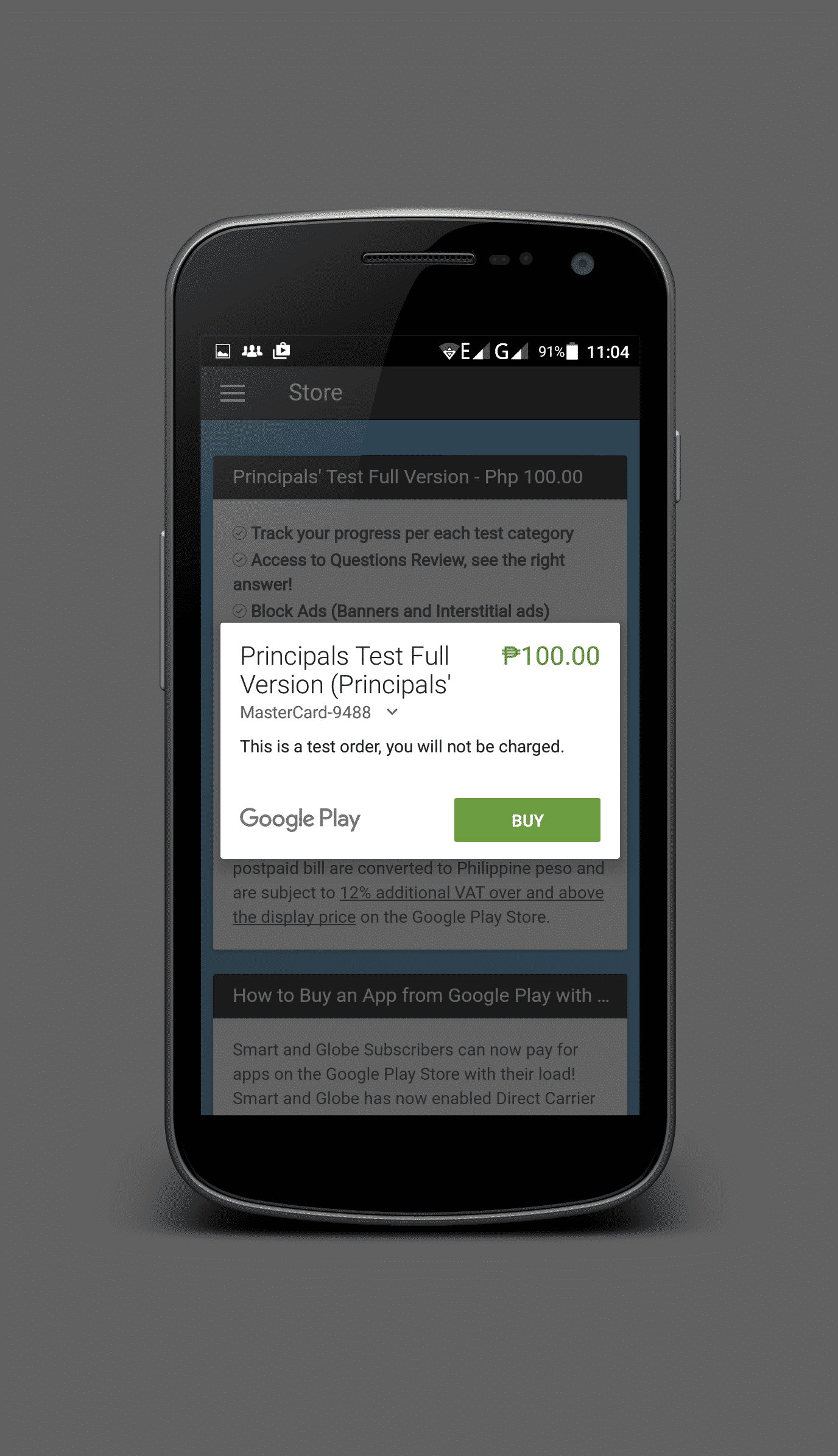
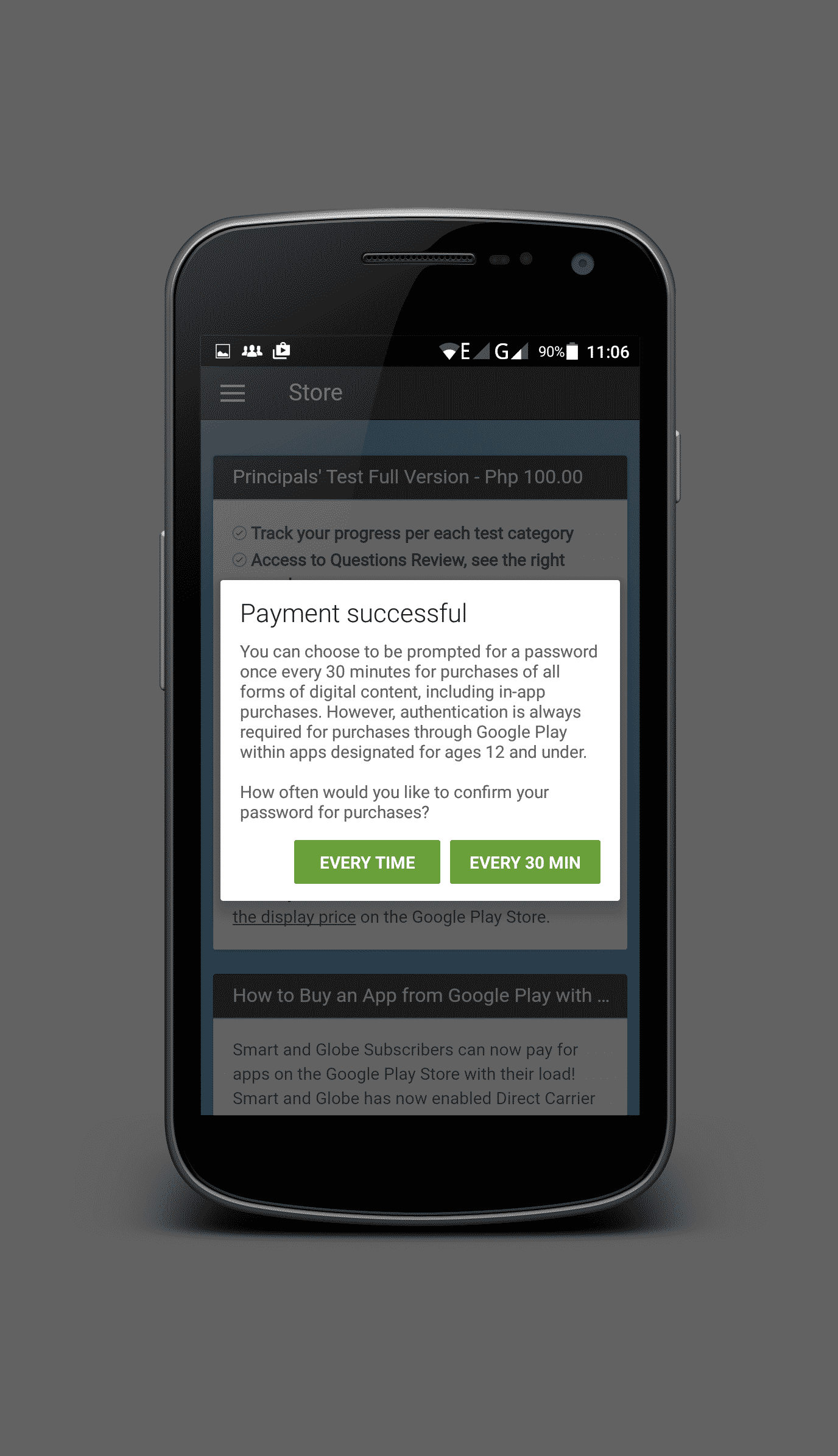
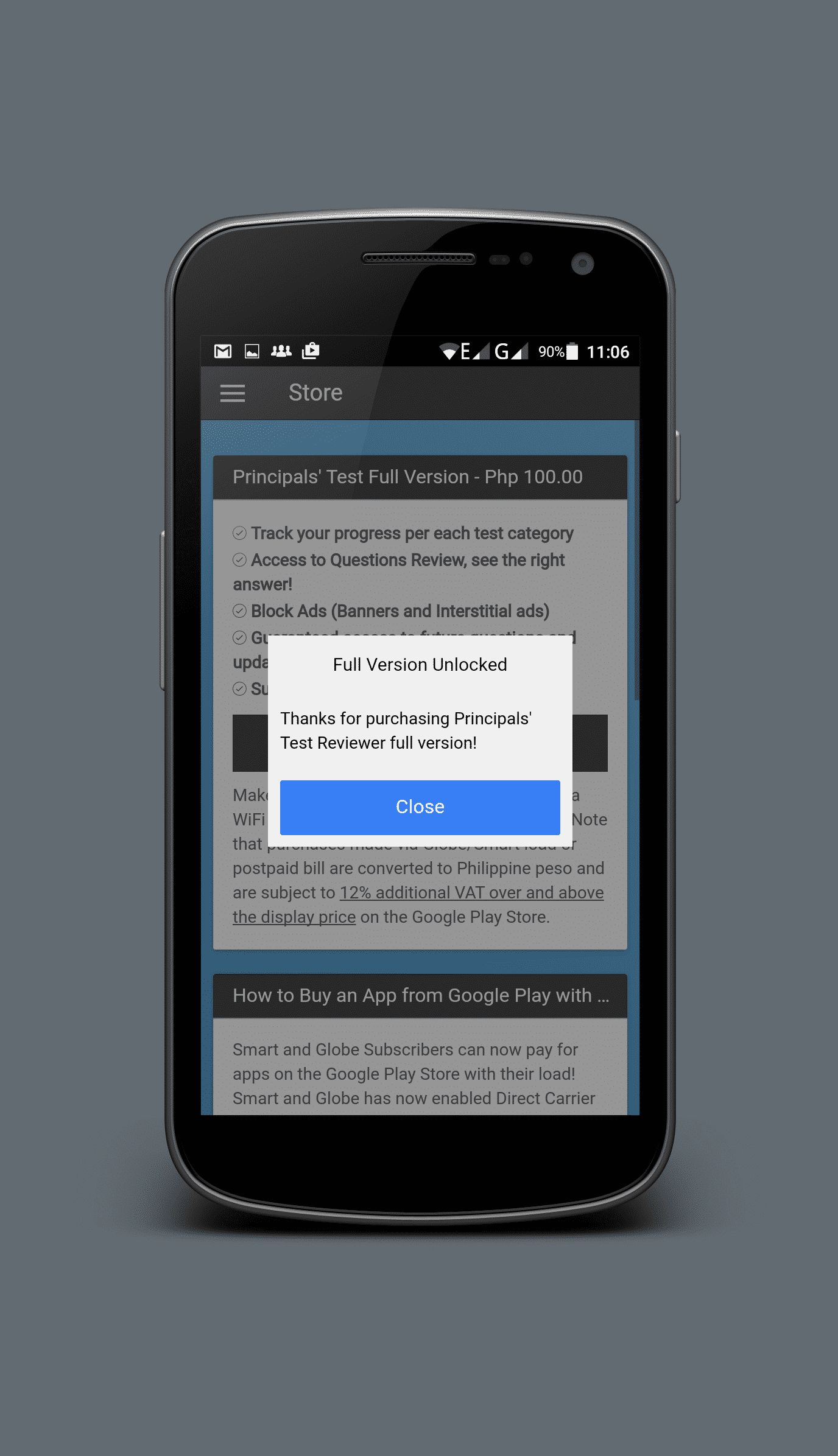
Note: All purchases made on Google Play Store using Globe/Smart load or bill will be charged with additional 12% VAT

Leave a Reply